
Wispr Flow Review: The AI Voice Dictation Tool That Writes as You Speak
Wispr Flow Review: A Voice-to-Text Tool That Polishes as You Talk
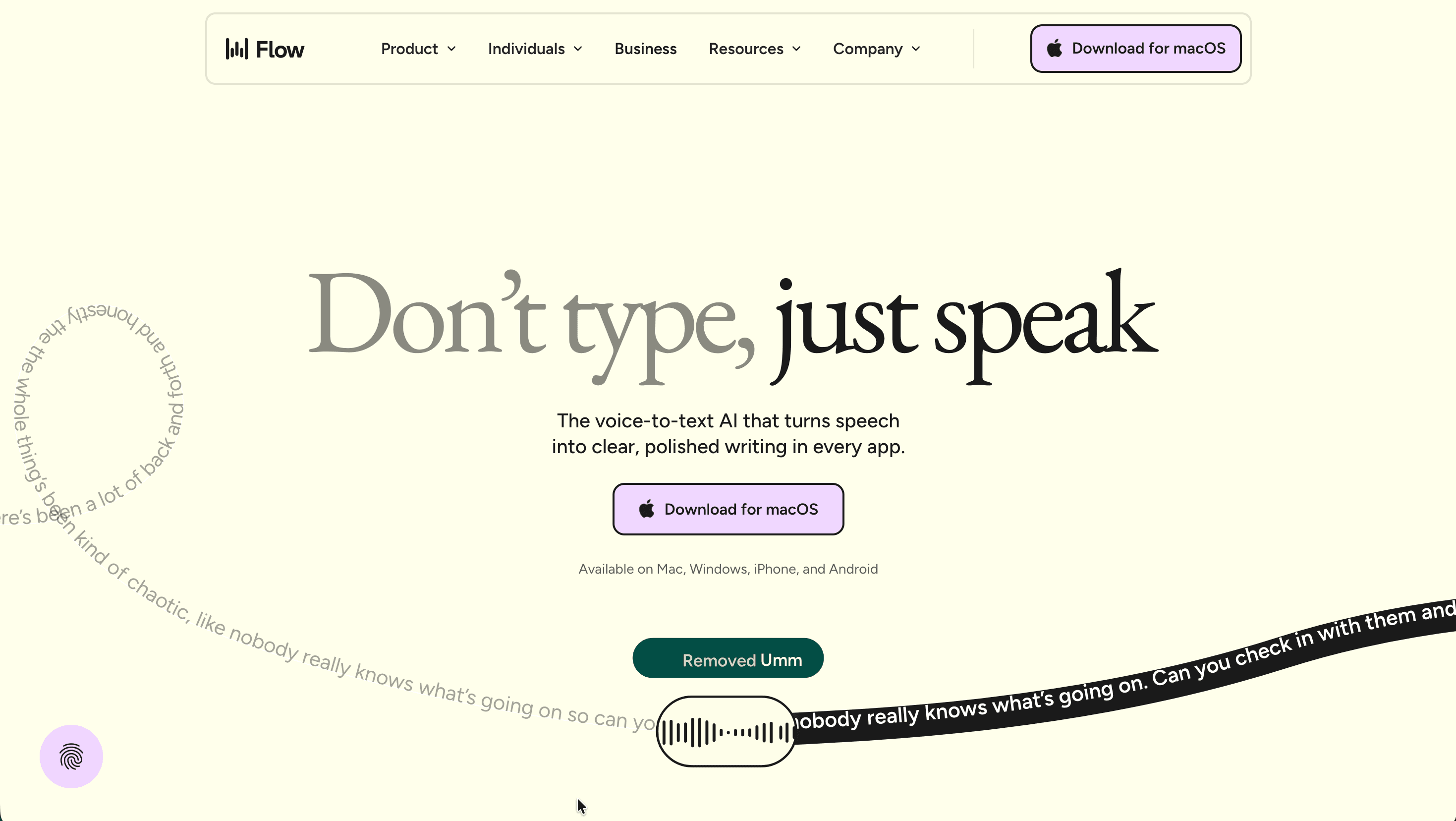
Wispr Flow is an AI dictation app that turns natural speech into clean, formatted text inside almost any application you already use. Instead of opening a separate transcription window, you press a shortcut, talk the way you normally would, and Flow drops the finished text right where your cursor sits, whether that is an email, a Slack thread, a code editor, or a chatbot prompt. What separates it from the dictation built into your operating system is the editing layer: it strips filler words like "um" and "uh," adds punctuation, structures lists, and even understands mid-sentence corrections, so the output reads like something you wrote rather than something you mumbled.
The tool is aimed at anyone who writes a lot and finds the keyboard the slow part of the process: knowledge workers juggling email and chat, developers prompting AI coding tools, multilingual users, and people for whom typing is physically difficult. The company markets a roughly fourfold speed gain over typing, and while the headline figure of about 220 words per minute is optimistic for most people, independent testers and everyday users routinely report jumping from around 50 typed words per minute to well over 100 by voice.
Here is a snapshot of the essentials before going deeper.
| Key detail | Information |
|---|---|
| Website | wisprflow.ai |
| Developer | Wispr (Wispr AI, Inc.), San Francisco |
| First app release | 2024 (company founded 2021) |
| Supported platforms | macOS, Windows, iOS, Android |
| Free plan / trial | Free Basic plan plus a 14-day Pro trial, no credit card |
| Main purpose | AI voice dictation that inserts polished text into any app |
A point worth setting up front: Flow transcribes in the cloud, not on your device. That is the source of both its strengths (context-aware formatting, cross-device sync) and its main trade-offs (internet dependency, audio leaving your machine), which the rest of this Wispr Flow review returns to in detail.
Is Wispr Flow Safe and Legitimate?
Wispr Flow is a legitimate, venture-backed product rather than a fly-by-night app. It is built by Wispr, a San Francisco company founded in 2021 by Tanay Kothari and Sahaj Garg that has raised about $81 million from investors including Menlo Ventures, NEA, 8VC and Notable Capital, and was reportedly valued around $700 million in late 2025. The company originally set out to build a wearable for silent, thought-driven text entry, concluded the underlying technology was not ready, and refocused the software layer into Flow. It now reports more than 100,000 daily active users and over 10 billion words dictated.
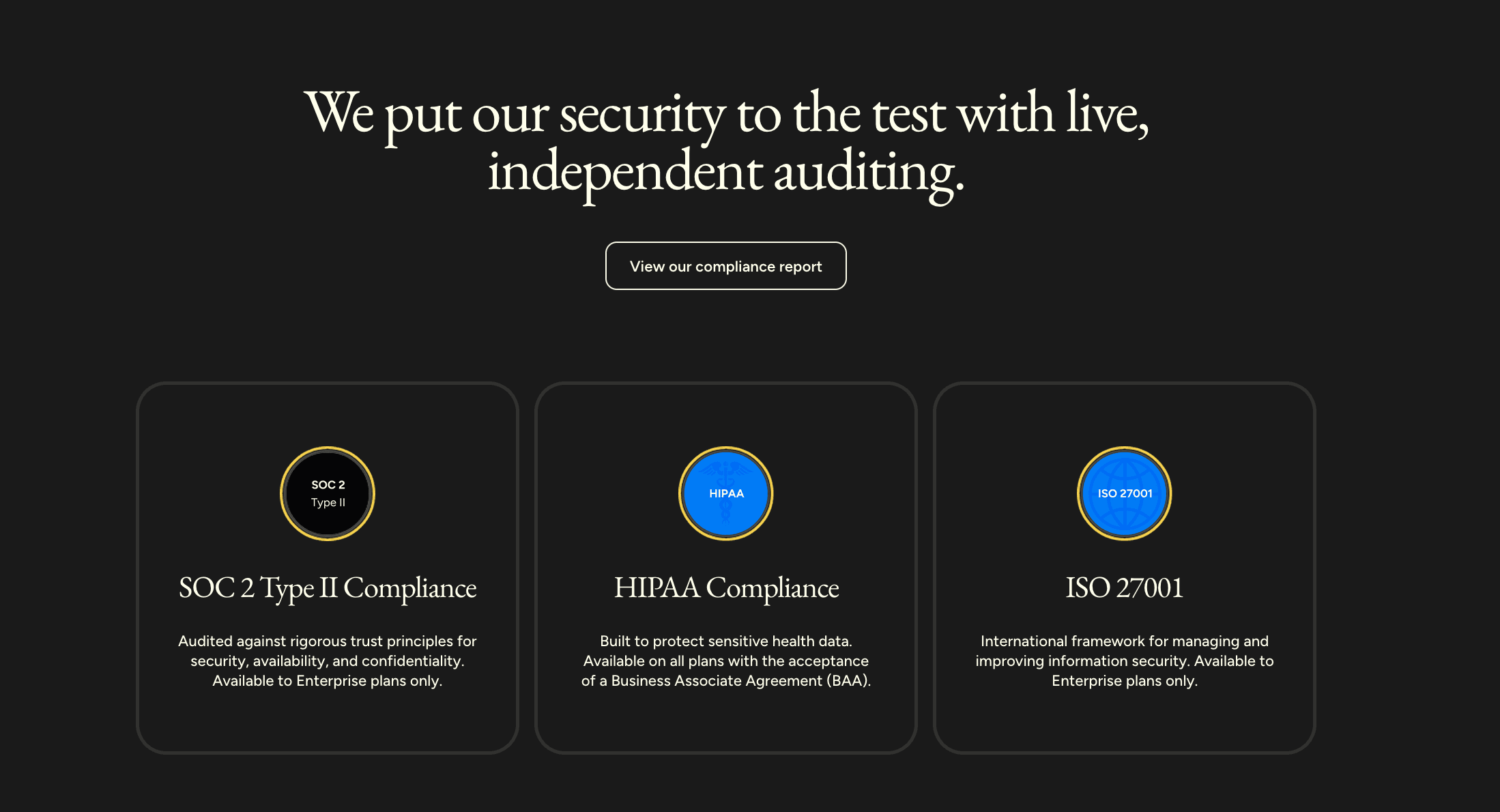
On data protection, Flow holds independent SOC 2 Type II and ISO 27001:2022 certifications and supports HIPAA through a Business Associate Agreement, and it aligns with frameworks including ISO/IEC 42001 for AI governance, GDPR and CCPA. Data is encrypted in transit with TLS and encrypted at rest, payment handling is delegated to Stripe, and the company runs a paid vulnerability-disclosure program. All customer data is processed in the United States, with EU and UK transfers covered by Standard Contractual Clauses documented in the data processing addendum.
The most important control to understand is Privacy Mode. With it enabled, no audio, transcripts or edits are stored on Wispr's servers and nothing is used to train models; with it off, your dictation data may be used to improve features and models, though the company states it never sells data. Privacy Mode is available on every plan including the free tier, but it is off by default for non-HIPAA users, so privacy-conscious individuals should turn it on deliberately. Signing the in-app BAA permanently locks Privacy Mode on, which is irreversible. A genuine consideration for sensitive work is the optional Context Awareness feature, which lets Flow read on-screen text to improve accuracy; it sharpens results but means more of your screen contents inform the transcription, so it can clash with strict corporate or regulated-industry policies.
The reputation picture is mixed and worth weighing honestly. Flow earns roughly 4.8 out of 5 across about 10,000 iOS App Store ratings and a positive score on G2, yet sits near 2.7 out of 5 on Trustpilot. The gap largely reflects two recurring organic complaints: some users say reliability dips after the trial ends, and the cloud architecture means server-side incidents can interrupt dictation for everyone at once. Set against that, accessibility users with conditions such as Parkinson's, arthritis and dyslexia frequently describe Flow as genuinely life-changing. The fair summary is a capable, well-funded tool whose cloud-first design is its defining trade-off rather than a safety red flag.
Core Features and Capabilities
Flow's foundation is dictation that cleans itself up in real time. You speak conversationally, including false starts, and the AI removes filler, infers punctuation from your pauses, capitalizes correctly, and formats lists when you enumerate items. Crucially, it handles backtracking: say "the meeting is Tuesday, no wait, Friday" and the output keeps only Friday. Auto Cleanup is adjustable across several intensity levels, and an Undo AI Edit option reveals the raw transcript when you want to see exactly what was heard.
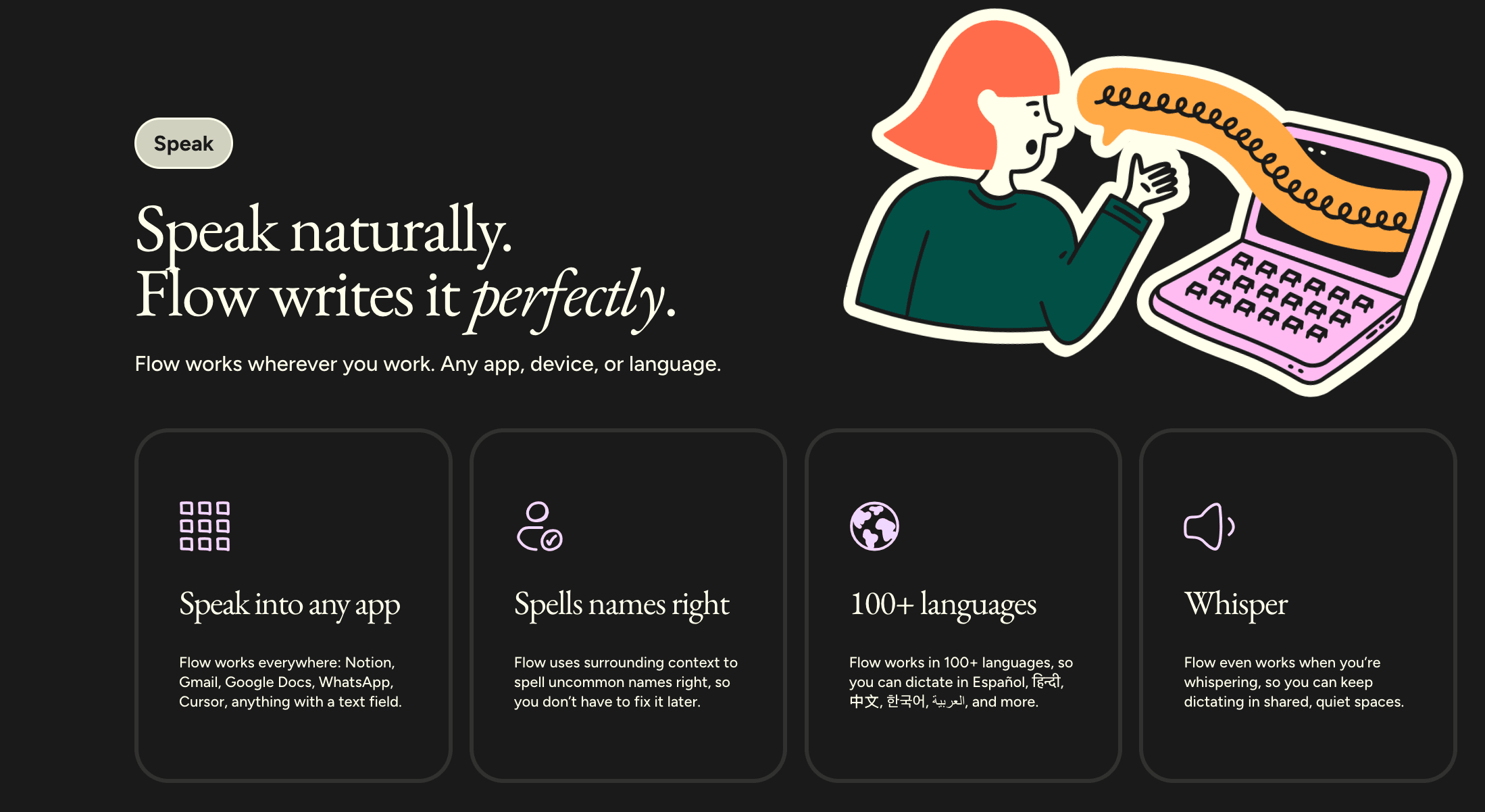
Beyond plain transcription, several features do real work day to day. A personal dictionary learns the spelling of names, acronyms and jargon you correct once, and keeps them consistent everywhere. Snippets let you trigger saved blocks of text, such as a signature, a meeting link or a support-reply template, by speaking a short phrase. A Styles or Personalized Style setting adjusts tone by context so messages read casually while documents and emails come out more formal. Flow also supports over 100 languages and can transcribe even whispered speech, which makes it usable in shared or quiet spaces.
The most distinctive capability is Command Mode, available to paying users on desktop. After text is on screen, you highlight a passage, hold a shortcut and speak an instruction such as "make this more formal," "translate this to Spanish" or "turn this into bullet points," and Flow rewrites it in place; selections are capped at 1,000 words per command. It can also act as a voice assistant, taking dictated prompts straight to tools like ChatGPT or Perplexity, and a "Hey Flow" wake word allows hands-free triggering. Reviewers note Command Mode can occasionally feel glitchy, and it reformats text you already have rather than reading the email you are replying to, so context still has to be in the selection.
Wispr Flow Pricing and Plans
Wispr Flow pricing is organized around a free Basic tier, a paid Pro plan for individuals and teams, and a sales-led Enterprise tier; every new account also starts with a 14-day Pro trial that needs no credit card. Pro costs €12 per user per month billed annually, with monthly billing priced higher, and the annual commitment works out to a 20 percent saving. There is no lifetime purchase option, which is a notable difference from several Mac-focused competitors. Students, educators and nonprofits can get a discount of roughly half off Pro, applied after verification rather than via a coupon, and students are typically offered an extended trial.
The table below aggregates each tier's terms. Prices reflect the euro pricing shown to European users; figures appear as roughly $15 monthly and $12 annually for users billed in US dollars.
| Plan | Price | Best for | Key inclusions | Main limits |
|---|---|---|---|---|
| Flow Basic | Free | Light or occasional use | 2,000 words/week on Mac or Windows; 1,000 words/week on iPhone; custom dictionary and snippets; 100+ languages; Privacy Mode; HIPAA-ready | Weekly word cap; no Command Mode; no unlimited dictation |
| Flow Pro | €12/user/mo billed annually (higher monthly) | Daily cross-platform dictators and small teams | Everything in Basic plus unlimited words across Mac, Windows, iPhone and Android; Command Mode; prioritized support and feature requests; early access; team collaboration with shared dictionary and snippets | Subscription only; cloud processing |
| Flow Enterprise | Custom (contact sales) | Teams needing advanced security and admin control | Everything in Pro plus dedicated support, SOC 2 Type II and ISO 27001 compliance, enforced HIPAA, enforced Privacy Mode, SSO/SAML, advanced usage dashboards, bulk discounts and free IT-admin seats | Sales-led; minimum commitment for some controls |
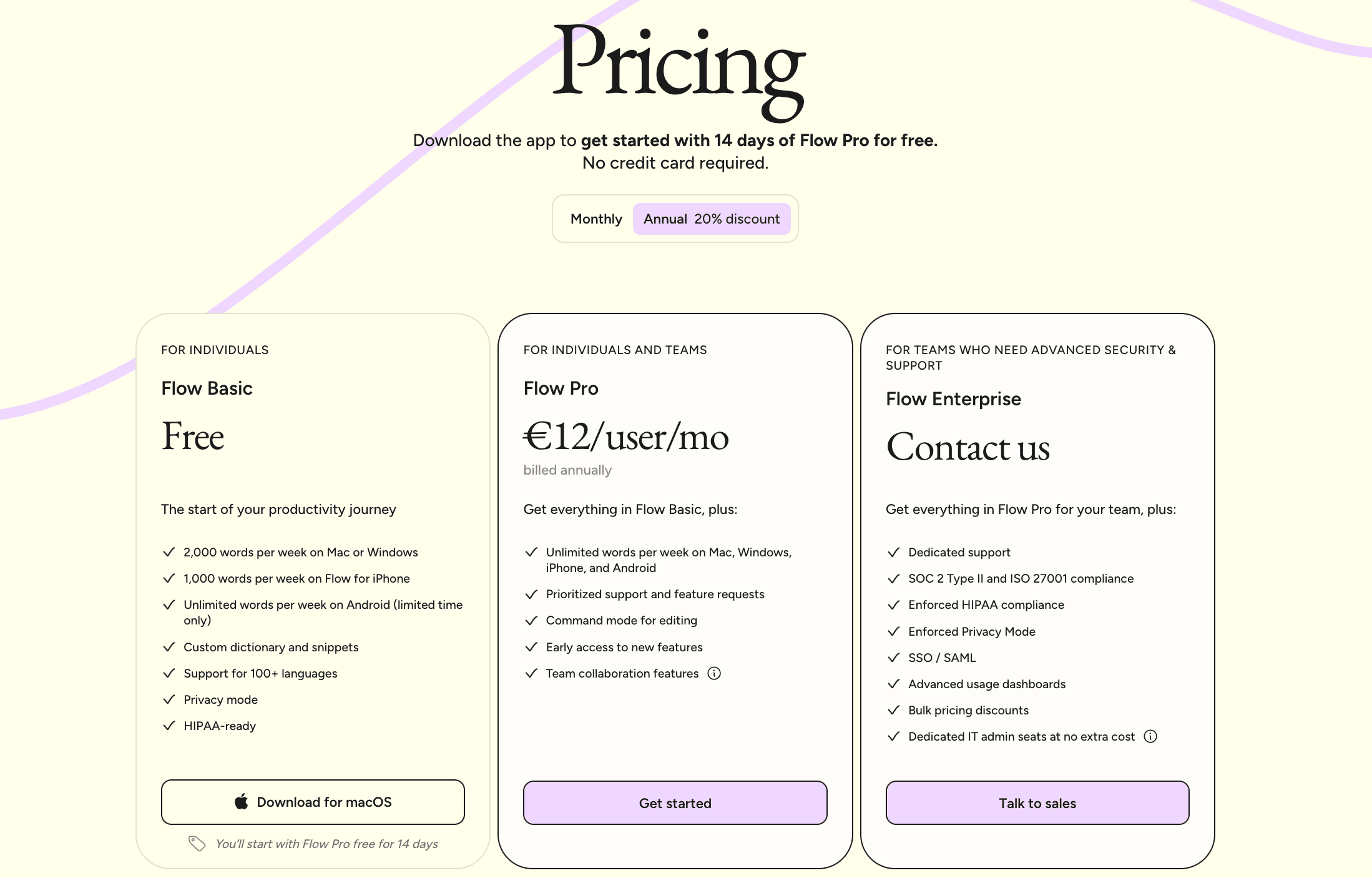
A few practical notes shape the value calculation. The free cap of 2,000 words per week is enough to evaluate the tool but roughly a few hundred words a day, so anyone dictating seriously will reach it within days and effectively needs Pro. Android has been offered with unlimited words for a limited promotional period. Billing source matters too: iOS subscriptions are handled through Apple's App Store, Android purchases cannot be completed in-app and are managed on the web, and a single subscription works across all your devices when signed into the same account. The key distinction for regulated buyers is between "HIPAA-ready" on Basic and Pro, where you configure the controls yourself, and "enforced HIPAA" on Enterprise, where the organization mandates them so individuals cannot bypass the policy.
Integrations and Compatibility
Flow's integration model is unusual because it does not rely on per-app connectors. Since it inserts text wherever your cursor is active, it effectively works in any field you can type into, from Notion, Gmail and Google Docs to WhatsApp, Slack and web forms. That universality is the practical substitute for a traditional integrations list, and it is the reason users describe dictating across their entire workflow without configuring anything per application.
Where it gets more interesting is the developer and AI-tool context. Flow is built to operate inside IDEs such as Cursor and VS Code, understanding developer phrasing well enough to make voice coding practical, and it pairs naturally with AI assistants like ChatGPT, Claude and Perplexity, where dictating a detailed prompt is faster than typing one. Through Command Mode it can also push actions outward, for example sending a query to a search tool or opening a build environment from a spoken instruction. On the enterprise side, identity and provisioning integrate through SSO/SAML and SCIM, so larger organizations can manage Flow accounts from their existing identity provider.
A closed API exists today for select enterprise and hardware partners, with broader developer access signposted as a future step rather than something generally available now. For most individuals, the takeaway is that Flow's reach comes from working everywhere by default rather than from a catalog of named integrations.
Platforms and Apps Available
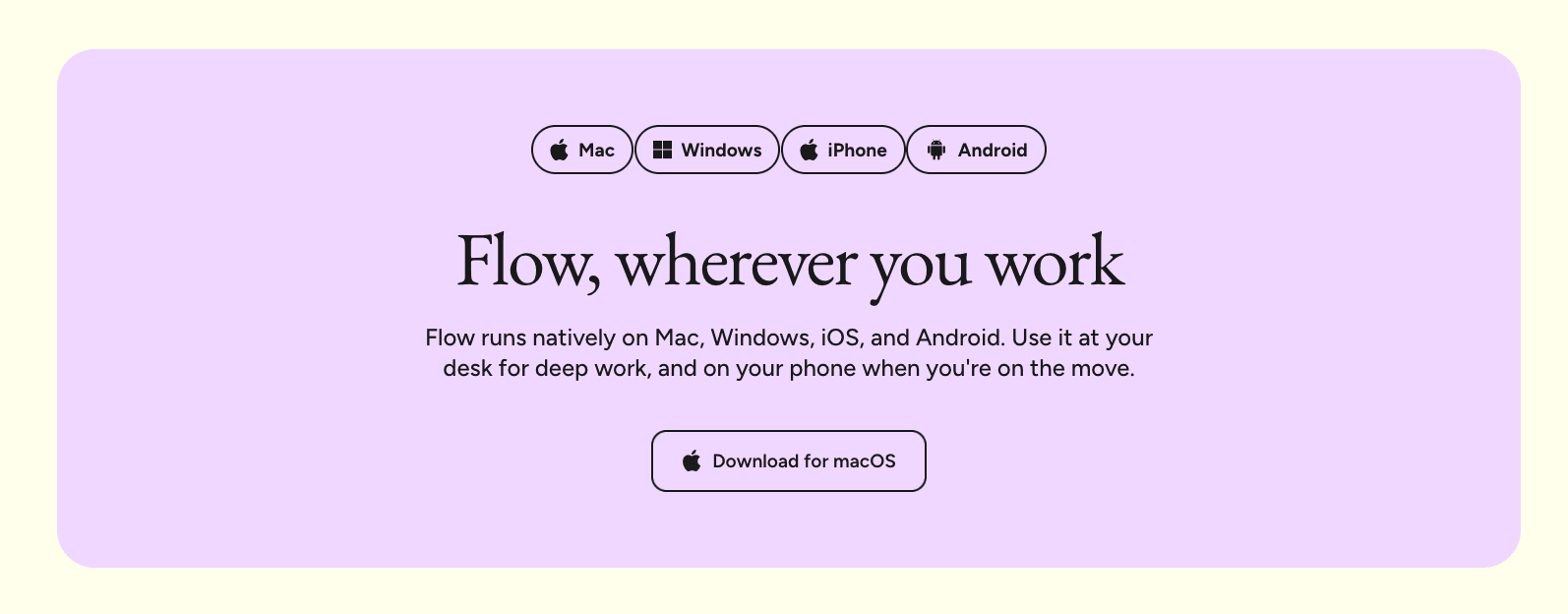
Flow runs natively on macOS, Windows, iOS and Android, and a single account syncs your dictionary, snippets and subscription across every device. The desktop apps are the most mature: you hold a hotkey (the Fn key by default) to dictate, with a hands-free mode available so you do not have to keep the keys pressed. The experience is strongest on Mac, where the app originated; the Windows build arrived later, is Electron-based, and has drawn complaints about higher resource use and occasional conflicts with target apps, so Windows-heavy users should lean on the trial to test responsiveness before committing.
There are real differences between versions. On mobile, Flow works as a keyboard you switch to, which means starting a dictation session can involve an extra tap compared with the always-available desktop shortcut. Android currently trails the other platforms on features, with capabilities such as the dictionary, snippets, styles and name-spelling still rolling out, and its privacy handling differs in that only metadata leaves the device while text and audio stay local. Some advanced controls are platform-specific as well: the granular local-storage dropdown is desktop-only, HIPAA BAA signing is available on desktop and iOS but not Android, and Command Mode is a desktop feature. Because transcription happens in the cloud on every platform, none of the apps work offline.
Getting Started with Wispr Flow
Setup is among the smoother experiences in this category and takes roughly five minutes. The sign-up itself is brief, but the permission steps are where new users occasionally get stuck, so the sequence below covers the desktop path end to end.
- Download the app for your platform from wisprflow.ai (or the App Store / Google Play on mobile).
- Open the app and choose "Sign in via browser," then create an account or sign in with Google, Apple, Microsoft, SSO, or email and password.
- If you used email, verify your address through the confirmation link before continuing.
- Grant microphone access when prompted, approving the native system dialog as well.
- Grant accessibility permission, which is what lets Flow insert text into other apps; skipping this means dictation will not paste anywhere until you enable it later.
- Complete the quick microphone test, set or confirm your dictation shortcut, and choose your language.
- Run the short in-app tutorial, then place your cursor in any text field, hold the shortcut, and start speaking.
Your progress is saved if you quit partway through, and once you sign in on a second device with the same method, your dictionary, snippets and subscription appear automatically. New accounts begin on the 14-day Pro trial, so it is worth testing the paid features, especially Command Mode and unlimited dictation, while you have them.
Support and Contact Options
Support runs primarily through in-app channels and a documentation-heavy help center rather than a phone line. The fastest route is the "Talk to support" form inside the app, where you pick a request type, describe the issue and optionally attach a screenshot on desktop and Android. Experiences here vary: some users praise fast, personalized replies, while organic reviews include complaints about slow human follow-up after an initial automated response, so expectations should be calibrated accordingly.
The table summarizes the main ways to get help.
| Channel | How to reach it | Notes |
|---|---|---|
| In-app support form | Help → "Talk to support" (Cmd+/ on Mac) | Request types for Issue, Billing, and Account; image attachments on desktop and Android, text-only on iOS |
| support@wispr.ai (also support@wisprflow.ai for desktop errors) | Include platform, app version, and steps already tried for fastest resolution | |
| Help center | docs.wisprflow.ai | Extensive setup, troubleshooting, security and billing articles |
| Feature requests | Help → "Share feedback" tab | Reviewed by the product team; no direct reply |
| Trust Center | Compliance document requests | SOC 2, ISO 27001 and security questionnaires provided under NDA |
| Enterprise sales | wisprflow.ai/talk-to-sales | For Enterprise quotes, SSO, enforced HIPAA, and bulk pricing |
Billing-related requests, including student, nonprofit, military, senior and accessibility discounts, go through the same support form, with a verification image required for any discount category. Enterprise customers also get dedicated support and an admin portal at admin.wisprflow.ai for managing seats, SSO and compliance settings.
Wispr Flow Pros and Cons
Pros
- +Turns speech into clean, formatted text in any app.
- +AI removes filler words and auto-corrects mid-sentence changes.
- +Works across Mac, Windows, iPhone, and Android.
- +Supports 100+ languages with strong code-switching.
- +Adapts tone to context (formal email, casual Slack).
Cons
- –Heavy on CPU and RAM, even when idle.
- –Best features locked behind the paid plan.
Frequently Asked Questions
What is Wispr Flow?
It is an AI voice dictation app for Mac, Windows, iOS and Android that turns natural speech into clean, formatted text inside any app, automatically removing filler words and handling punctuation, lists and corrections as you talk.
Is the app safe to use for sensitive information?
It holds SOC 2 Type II and ISO 27001 certifications, encrypts data in transit and at rest, and offers HIPAA support via a BAA. For confidential work, enable Privacy Mode (zero data retention), since it is off by default for non-HIPAA accounts, and review the Context Awareness setting against your organization's policies.
Is there a free version?
Yes. The Basic plan is free indefinitely with a cap of 2,000 words per week on Mac or Windows and 1,000 on iPhone, and every new account also gets a 14-day Pro trial with no credit card.
How much does Pro cost?
Pro is €12 per user per month billed annually, with monthly billing priced higher; the annual option saves about 20 percent. Enterprise pricing is custom, and there is no lifetime purchase.
Does Flow work offline?
No. Transcription happens in the cloud on every platform, so an internet connection is required and server-side incidents can affect dictation.
Which languages does it support?
More than 100, and it can transcribe whispered speech, which makes it practical in shared or quiet environments.
What makes Command Mode different from normal dictation?
Command Mode lets you highlight existing text and speak an instruction, such as making it more formal or converting it to bullet points, and Flow rewrites it in place. It is a paid, desktop feature.
Can I use one subscription on several devices?
Yes. A single account syncs your subscription, dictionary and snippets across multiple Macs, Windows PCs, iPhones and Android devices simultaneously.
How do I get help if something breaks?
Use the in-app "Talk to support" form or email support@wispr.ai with your platform, app version and the steps you tried; most setup and sync issues are resolved in a single reply.